Most of what we do each day happens without thinking. Taking stock means noticing it first — before deciding what to change.
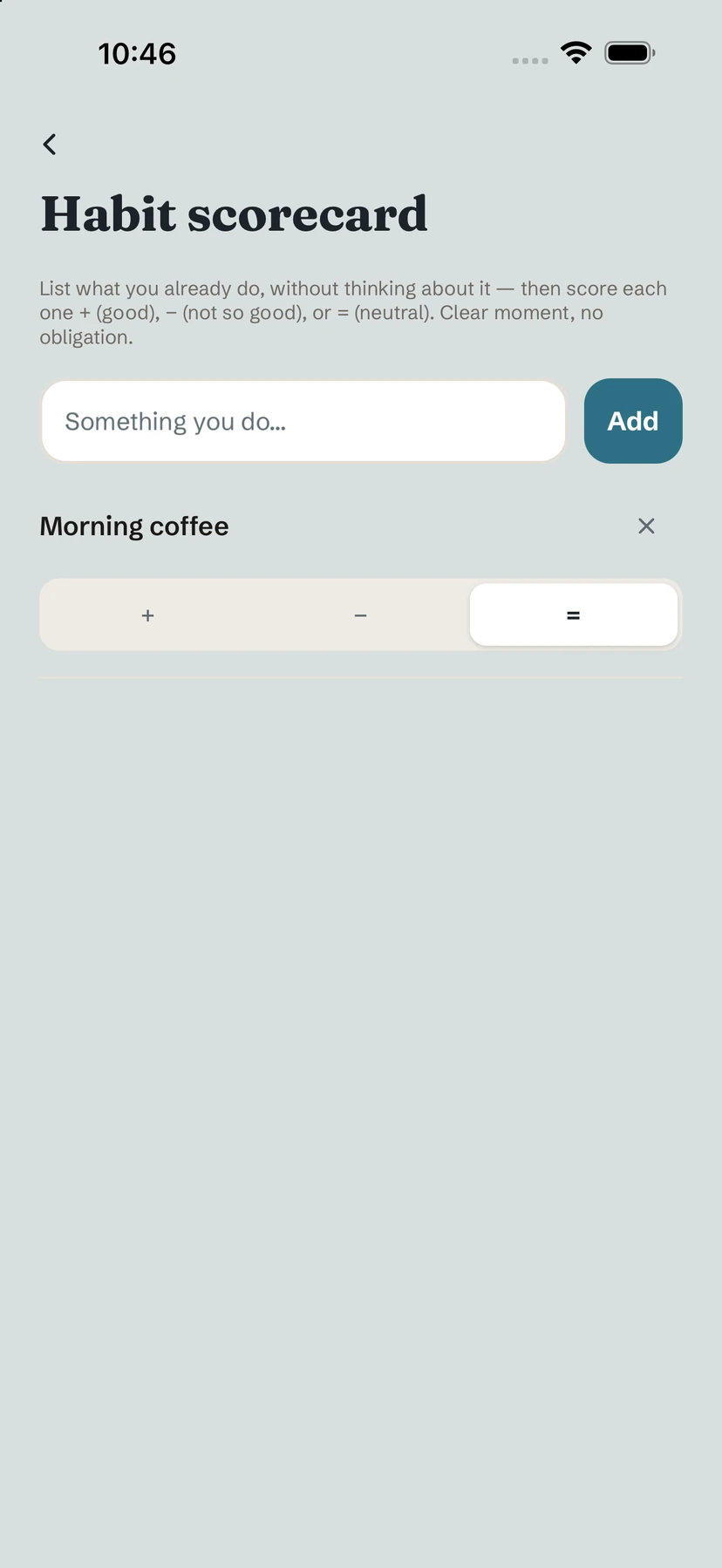
Open Take stock
- Tap your initial (top right).
- Under Help, tap Take stock. The Habit scorecard opens.
List and score
- Type something you already do in Something you do… and tap Add — or tap a suggestion such as Morning coffee.
- Score each line: + (good), − (not so good) or = (neutral).
- Keep going until the list looks like your real day.
It's a moment of clarity, with no obligation: nothing is added to your habits unless you choose to.
Turn answers into habits
- A line scored − can become a habit to quit: tap Stop this habit?.
- A line scored + that is already part of your life can be kept as acquired: tap Keep as acquired. It then shows up in your trophies. See Achievements.
Tip. Write things as they happen in your day ("Scrolling before bed", "Walk after lunch") — the moment matters as much as the habit.
Free / Pro. Take stock is free. Adding a habit from it follows the usual limit of 3 habits in the free version.
Common questions
Does Take stock create habits automatically?
No. It's a reflection list. You choose which lines become a habit to quit or are kept as acquired.
Where do kept habits go?
A line kept as acquired appears in your Achievements, with your trophies.
Still stuck? Write to us at yolmira-help@outlook.com — a person reads every message.